 Daylytix
Branded PDF reports
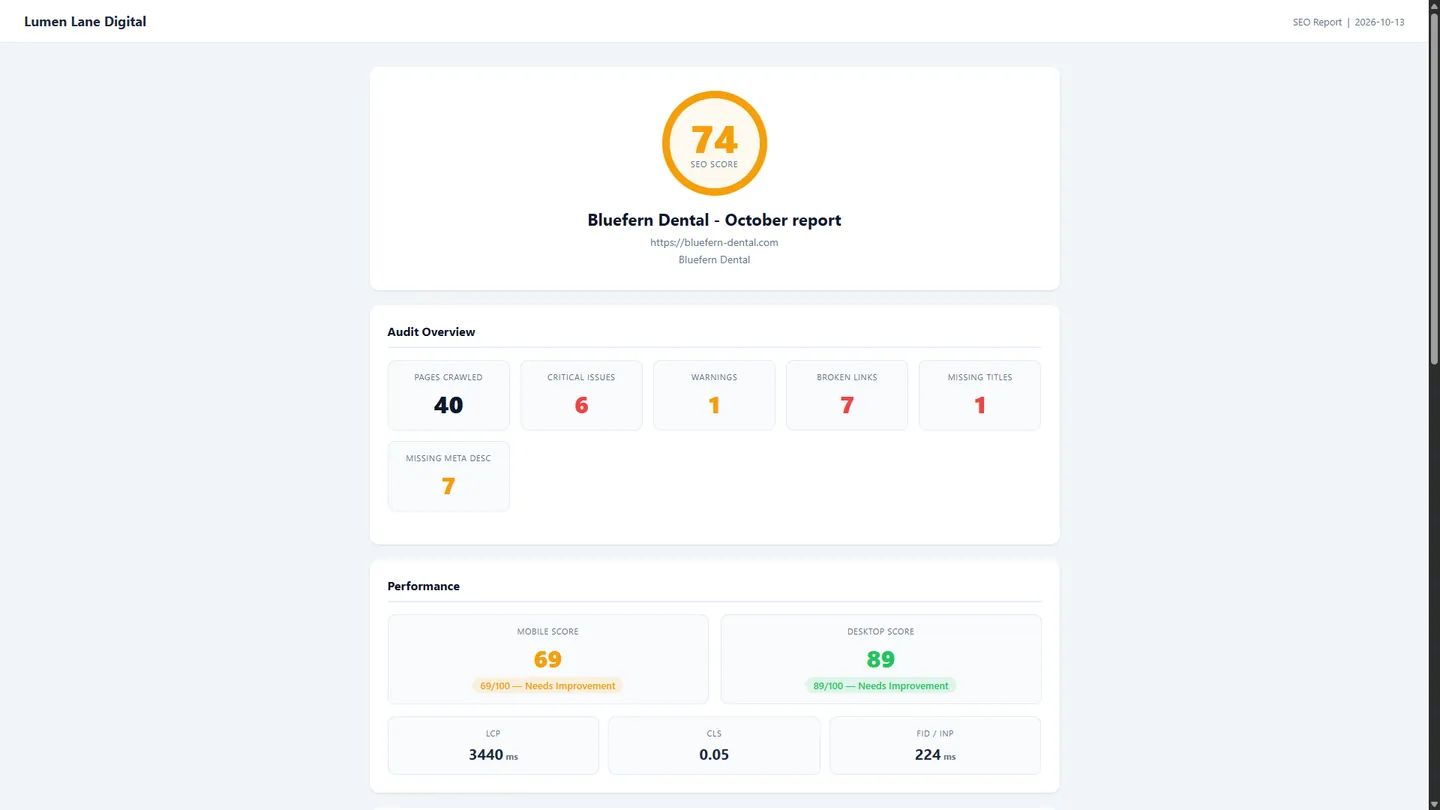
A multi-page audit report with your agency name, website, tagline and footer: score summary, Search Console and GA4 data when connected, Core Web Vitals, the prioritised issue list and plain-English fixes. Every plan.
Turn any audit into a branded report in one click. PDF reports carry your agency name, website, tagline and footer; PowerPoint decks carry your agency name and website. Search Console and GA4 data, a prioritised issue list and a fix roadmap inside.
Clients judge your agency by what lands in their inbox. Building a polished report by hand every month - pulling rankings, screenshotting charts, formatting slides - burns hours you should spend on the work itself. Daylytix turns a finished audit into a branded report in one click, with no manual formatting.
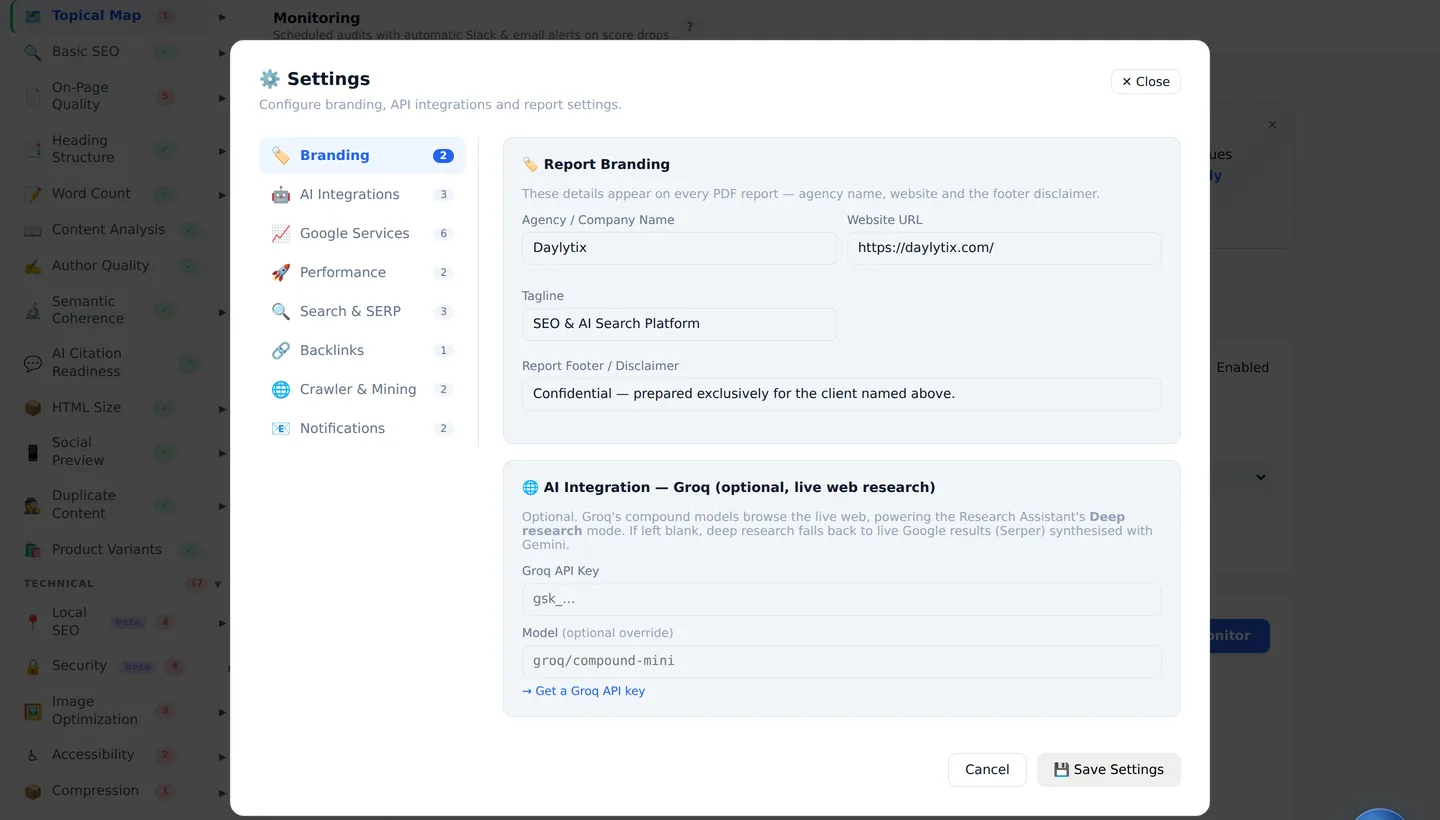
Four pages from the PDF Daylytix produced for its own site, daylytix.com, in October 2026. Your reports carry your agency's name, website and tagline in the same places.
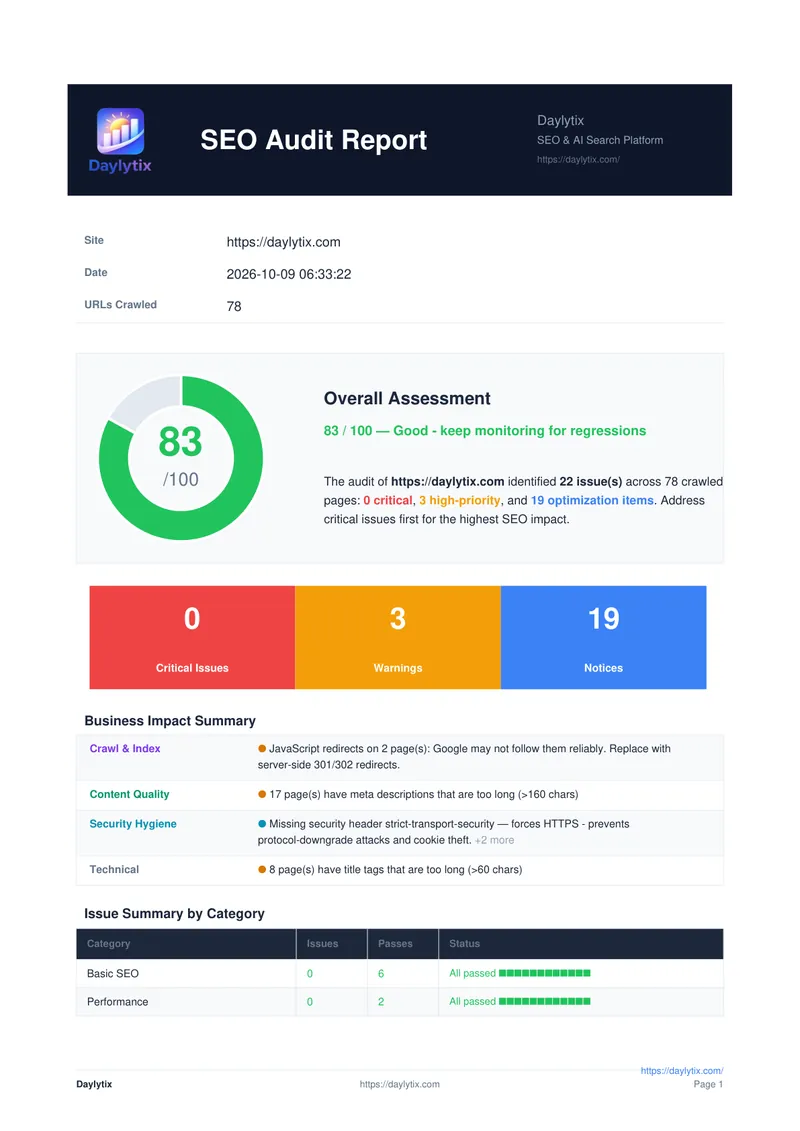
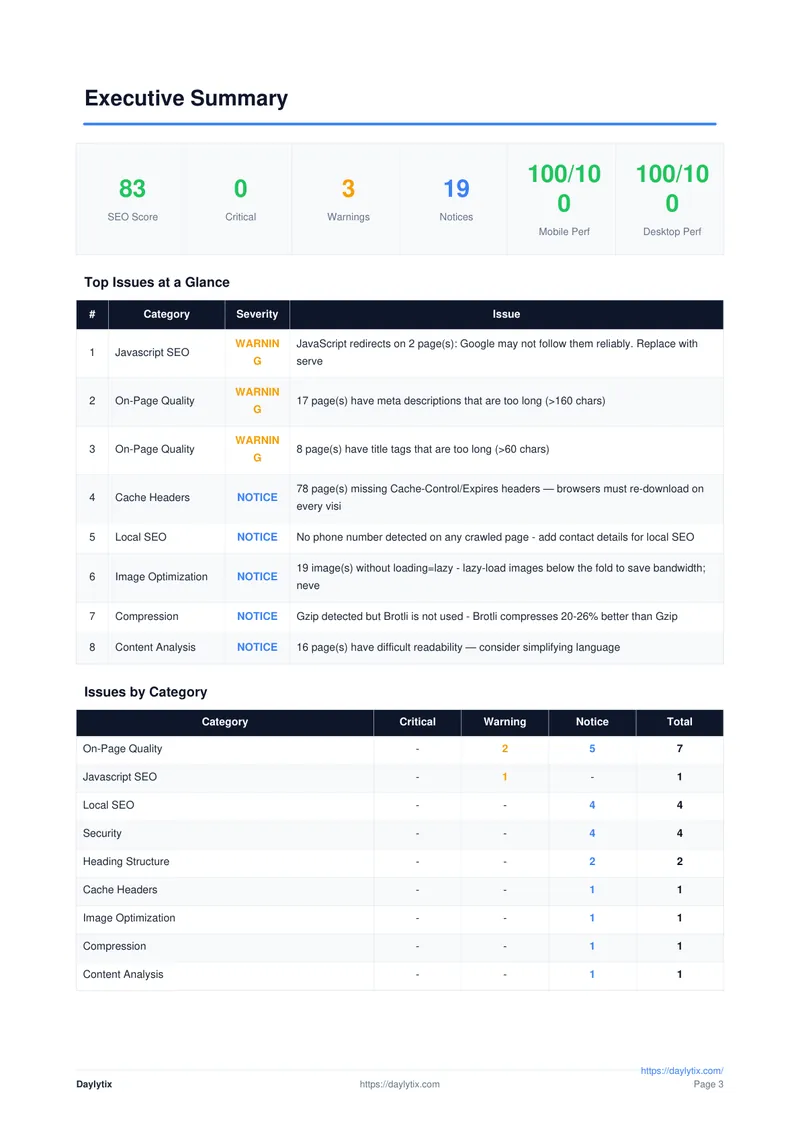
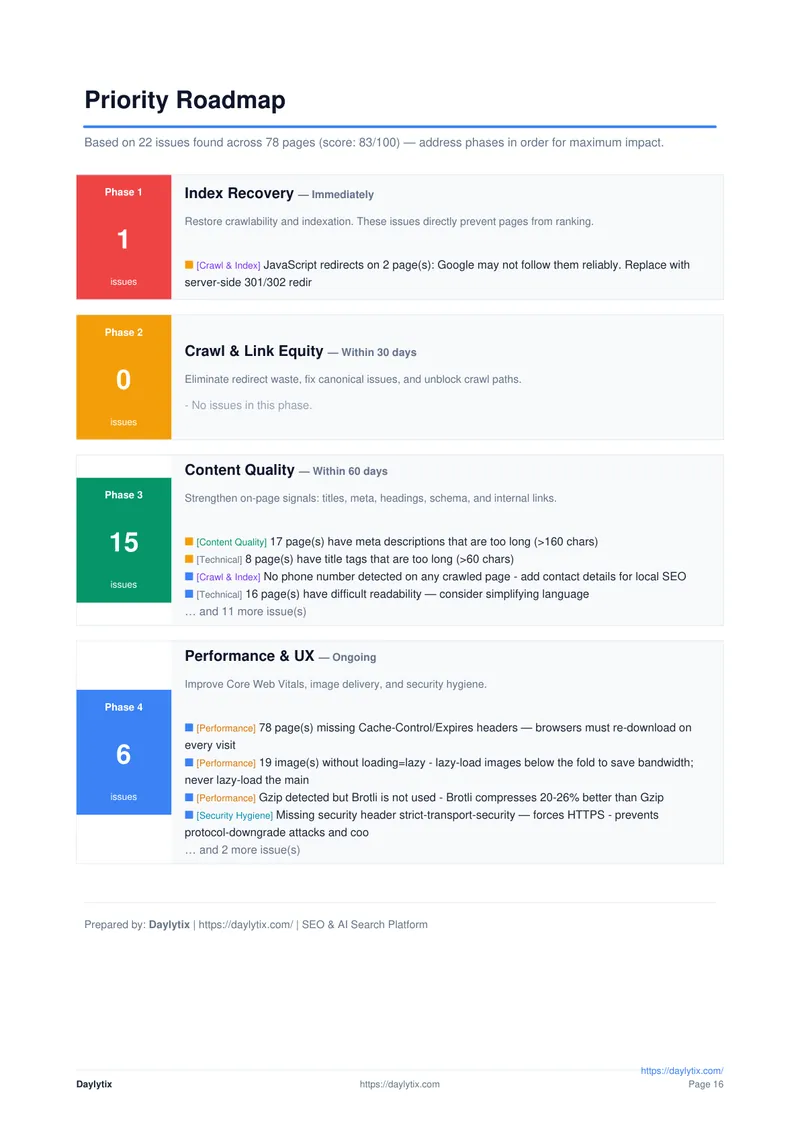
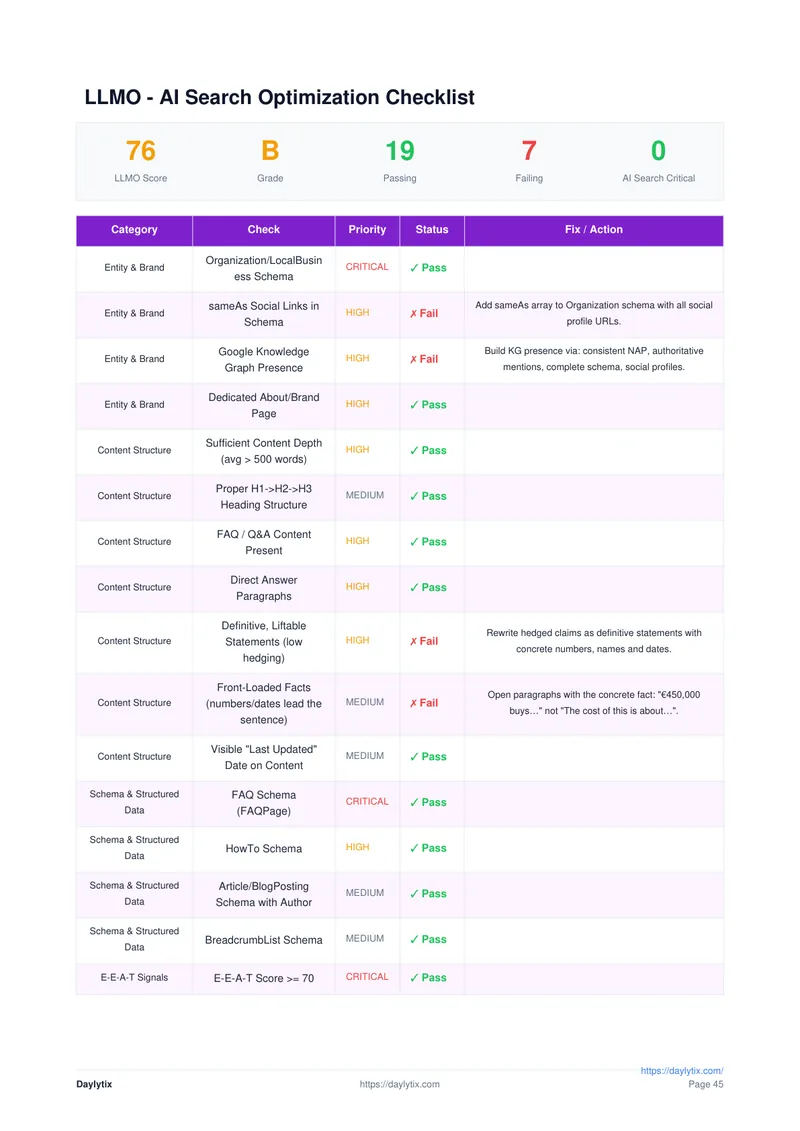
The full report runs to about 50 pages: the summary first, then Search Console and GA4 data, Core Web Vitals, accessibility, structured data and AI search readiness. The cover also carries the Daylytix logo; uploading your own logo is not available yet.
A multi-page audit report with your agency name, website, tagline and footer: score summary, Search Console and GA4 data when connected, Core Web Vitals, the prioritised issue list and plain-English fixes. Every plan.
A presentation-ready deck with charts, scores, issues and a 90-day action plan for client calls. It carries your agency name and website, and the slides adapt to what the audit found. Pro and Agency.
Enter your agency name, website, tagline and report footer in Settings > Branding. Every report after that uses them, for every client.
Schedule recurring audits and Daylytix emails the PDF to the address you set for each schedule when the audit finishes, through your own mail server.
Search Console and GA4 numbers captured when the audit runs - clicks, impressions, CTR, positions and sessions - straight from the client's own accounts.
No copy-pasting into slides, no chart screenshots, no layout fiddling. Run the audit, download the report, send it.
Many reporting tools only reformat data you already have. Daylytix runs the audit itself, so every report has something real to say.
The report is generated from a fresh audit of the client's site, not filled in by hand, so every number in it comes from the crawl and the Google accounts you connected.
Enter a client's URL. Daylytix crawls the site and, when connected, pulls in their Search Console and GA4 data.
Click PDF or PPTX. Your saved agency details are applied automatically.
Send the file yourself, or schedule the audit to repeat and have the PDF emailed to the client through your own mail server.
Re-audit each client weekly or monthly. After every run the PDF goes to the client's inbox through your own mail server.
Compare this month's audit with last month's to see what was fixed and what is new, and put that in your summary.
Send the summary pages as the report and the rest as the appendix. Our monthly SEO report guide has a template.
No per-report or per-client fees. Branded PDF reports are in every plan, so the cost per client falls as you add clients.
A client-ready audit document that carries your agency's name and details. Daylytix generates branded PDF and PowerPoint files from real audit data: the PDF carries your agency name, website, tagline and report footer, the PowerPoint your agency name and website. Uploading your own logo is not available yet.
Yes. It generates the report from an audit of the client's site: a branded PDF on every plan and a PowerPoint deck on Pro and Agency. There is no per-report fee, and scheduled audits can email the PDF to the client through your own mail server.
A multi-page branded PDF on every plan, and on Pro and Agency a PowerPoint deck with charts, scores, issues and recommendations - both from the same audit, one click each.
Your agency name, website, tagline and a report footer or disclaimer, set once in Settings > Branding. The PDF uses all four and the PowerPoint uses the agency name and website. A custom logo and colours are not available yet.
The audit score, Search Console and GA4 data when those accounts are connected, Core Web Vitals, a prioritised list of technical and on-page issues, and plain-English recommendations.
Yes. Schedule recurring audits and Daylytix emails the PDF report to the address you set for each schedule when the audit finishes. The email is sent through your own mail server, so add your SMTP details in Settings > Notifications first.
Yes. The PDF includes AI search readiness: which AI crawlers can reach the site, how answer-ready the content is, and a checklist of what to fix for AI search.
Clients do not get their own login. You can send the PDF, share a read-only link to an audit, or, on the Agency plan, give them a Client Portal link that needs no login.
Daylytix has no free plan, but every account starts with a 7-day free trial with no card, including branded PDF and PowerPoint reports. After that, branded PDF reports start at €9.99 a month.
From €9.99 a month for one website. The Agency plan at €59.99 a month covers unlimited websites, which works out at about €6 a client with 10 clients.
Report branding and branded PDF reports work on every plan. PowerPoint export needs Pro or Agency. See the pricing page for details.
Run an audit, click once, and send a report with your agency's name on it.